 Bestseller
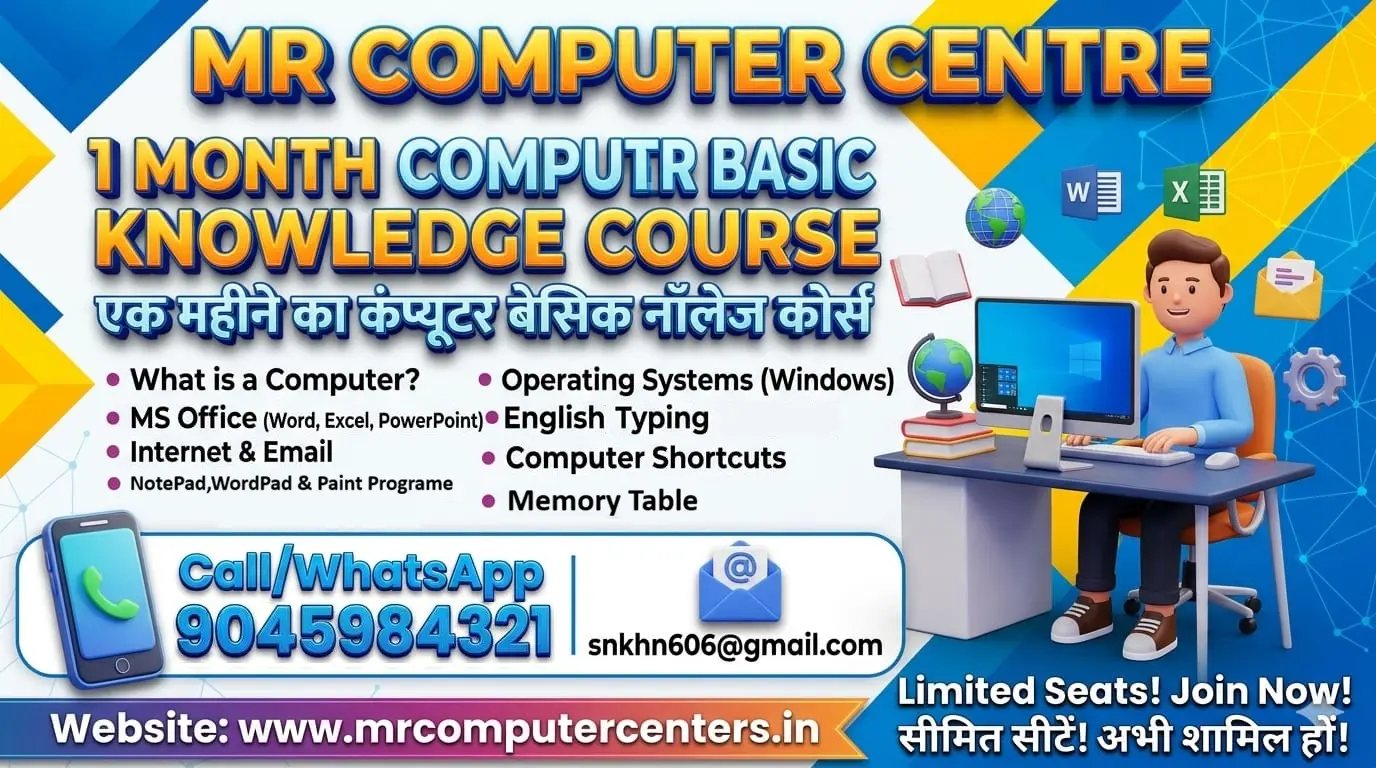
Module 1: Computer Fundamentals & OS (Week 1)
Module 2: Microsoft Word - Document Creation (Week 2)
Module 3: Microsoft Excel - Data & Basics (Week 3)
Module 4: Internet, Email & Security (Week 4)
Module 1: Computer Fundamentals & OS (Week 1)
The goal of this week is to understand how the hardware and software communicate.
Introduction to Hardware: Identifying CPU, RAM, Hard Drives, and Input/Output devices.
Windows Interface: Managing the Desktop, Taskbar, and Start Menu.
File Management: Creating folders, renaming files, and understanding file extensions (e.g., .docx, .pdf, .jpg).
Control Panel: Adjusting display settings, date/time, and uninstalling programs.
Shortcut Keys: Mastering Ctrl+C, Ctrl+V, Alt+Tab, and Win+D.
Module 2: Microsoft Word - Document Creation (Week 2)
This week focuses on creating professional letters, resumes, and reports.
Text Formatting: Font styles, sizes, colors, and highlights.
Paragraph Settings: Alignment, line spacing, bullets, and numbering.
Insert Menu: Adding tables, shapes, and pictures into documents.
Page Setup: Setting margins, orientation (Portrait/Landscape), and page sizes.
Review & Print: Using Spell Check and Print Preview settings.
Module 3: Microsoft Excel - Data & Basics (Week 3)
Introduction to spreadsheets and simple calculations.
Workbook Basics: Understanding Cells, Rows, Columns, and Sheets.
Data Entry: Auto-fill features and cell formatting (Currency, Date, Percentage).
Basic Formulas: Using Sum, Average, Count, Max, and Min.
Sorting & Filtering: Organizing data alphabetically or numerically.
Basic Charts: Creating simple Column and Pie charts to visualize data.
Module 4: Internet, Email & Security (Week 4)
Finalizing the course with practical online communication skills.
Web Browsing: Effective searching on Google and using bookmarks.
Email Management: Creating an account, sending attachments, and organizing the Inbox.
Cloud Storage: Introduction to Google Drive or OneDrive for saving files online.
Social Media & Safety: Understanding privacy settings and avoiding phishing/scams.
Digital Tools: Converting PDF to Word, using online Hindi/English typing tools.
Copyright © 2026 DITRP INDIA. All Rights Reserved